iPhone 14 Repairs: Checking Part Compatibility Before Installation
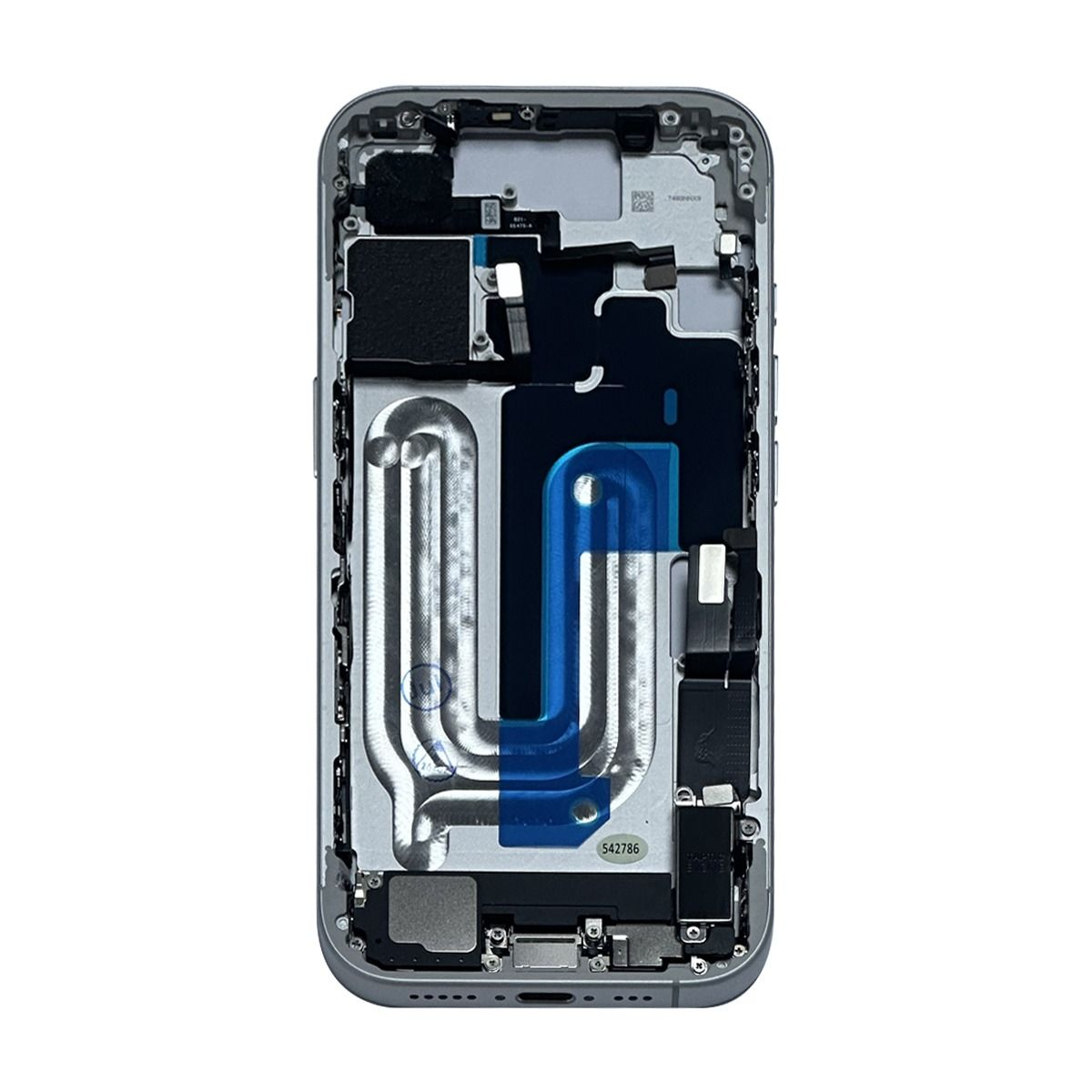
A replacement component can look correct on arrival and still be unsuitable for a particular repair. Small differences in connectors, dimensions, or hardware specifications can affect whether a part is appropriate for the device being serviced. For repair shops, this makes compatibility verification an important part of the workbench routine, not simply a purchasing task. Establishing a clear process before ordering and installing components can reduce avoidable rework, keep repair records accurate, and help technicians manage customer jobs more efficiently.
Why Visual Similarity Is Not Enough
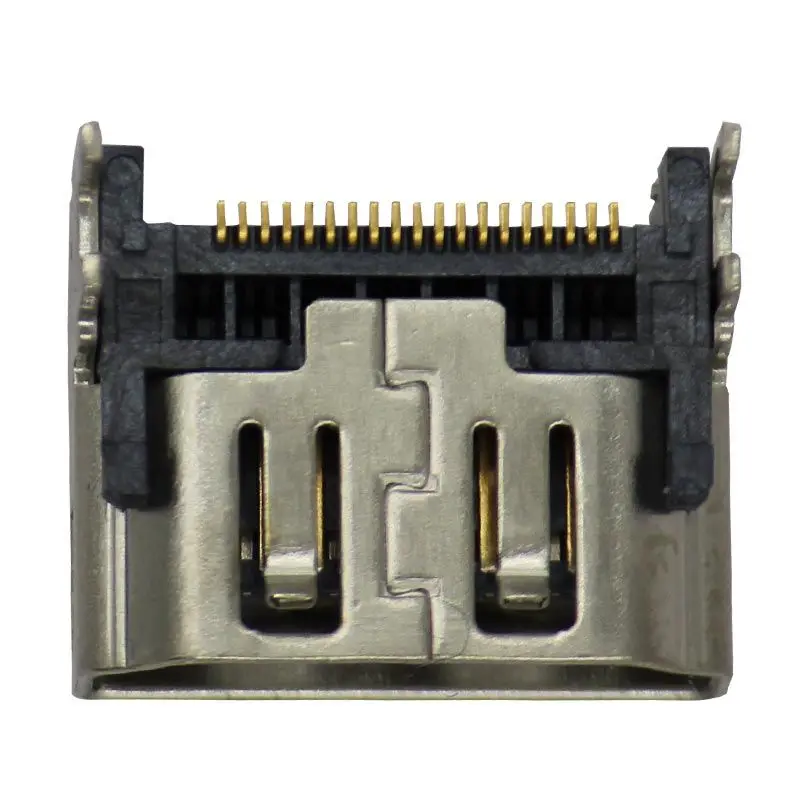
Two replacement components may appear nearly identical while differing in details that matter during installation. A connector may be positioned differently, a mounting point may not align, or the listed compatibility may cover another device model.
This is particularly relevant when a shop handles multiple generations of smartphones. Product names can be similar, and staff working quickly may accidentally select a component intended for a different version.
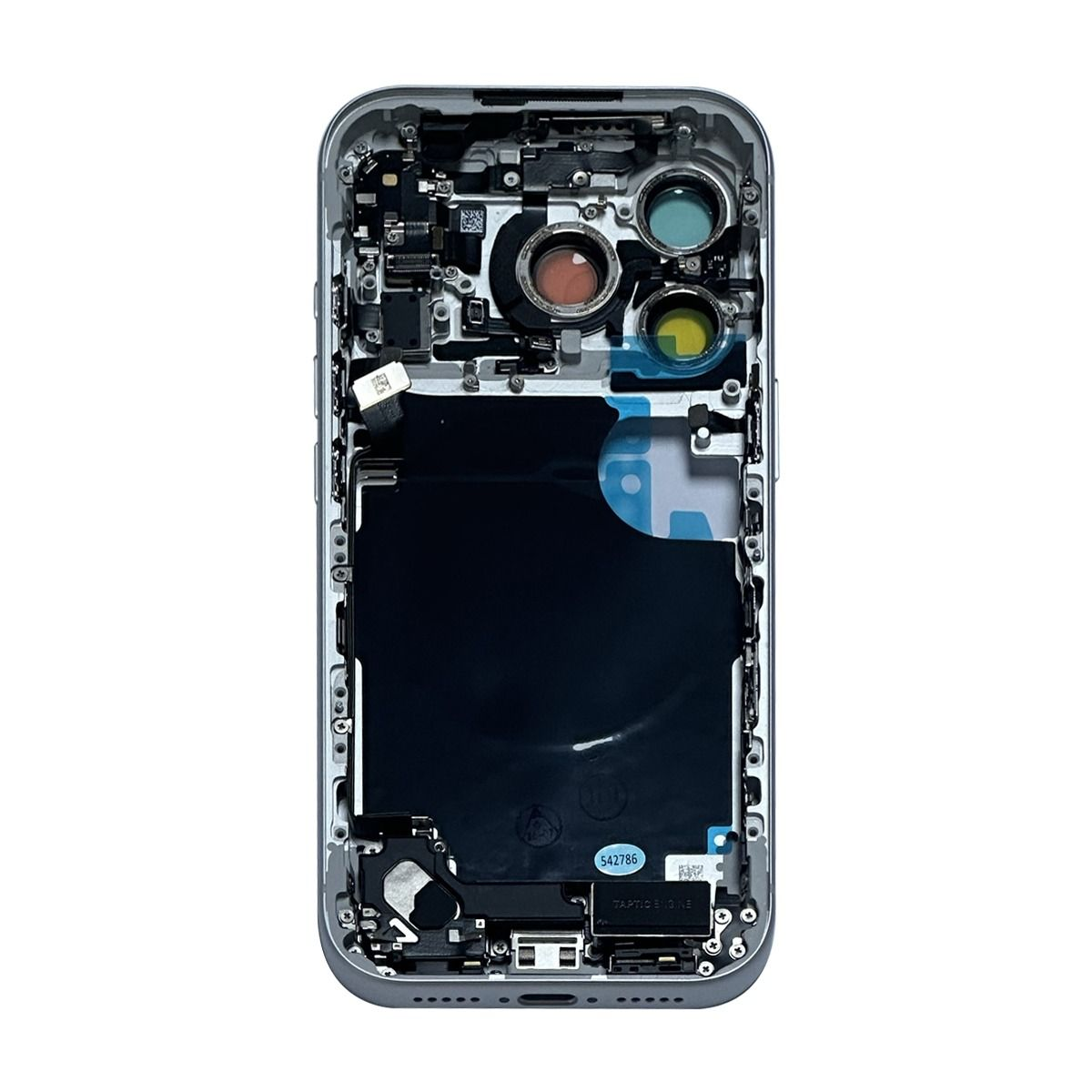
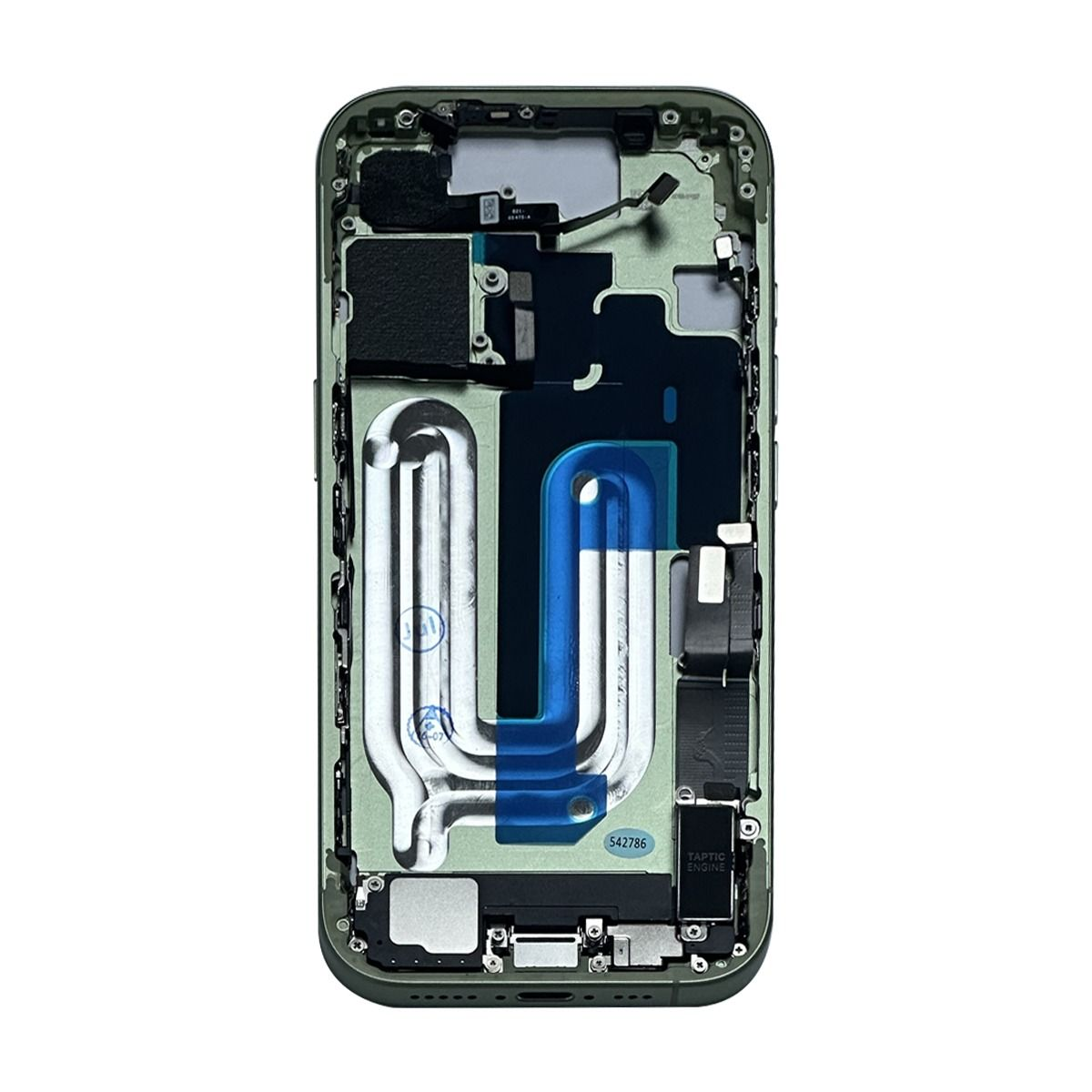
When sourcing iPhone 14 replacement parts, technicians should use the exact device model and the supplier's product specifications to guide selection. The fact that a listing refers to the iPhone 14 family does not automatically mean that every component in the category is interchangeable.
Before an order is approved, confirm:
- The exact device model being repaired
- The component required to address the diagnosed fault
- The compatibility information provided in the listing
- Relevant part numbers, connector details, and dimensions
- Any stated limitations or product-condition information
If the available description does not resolve a compatibility question, seek clarification before purchasing. Guessing can turn a straightforward repair into a delayed job.
Make Diagnosis the Starting Point for Purchasing
Ordering a part should follow a technical assessment rather than replace one. A device may show a particular symptom for several reasons, and the visible problem does not always identify the failed component.
For instance, a charging issue does not automatically confirm that the charging assembly needs replacement. A technician may need to inspect the port, test the charging equipment, and consider other possible causes before deciding what to order.
A useful workflow separates diagnosis from procurement:
First, document the fault. Record the customer's reported issue and the results of the initial checks.
Next, identify the suspected component. Use the diagnostic findings to narrow down the likely source of the problem.
Then, verify the listing. Compare the supplier's description with the device information and the component specifications.
Finally, approve the purchase. Order only after the relevant details have been checked.
This sequence gives the purchasing process a technical basis and makes it easier to explain why a particular component was selected.
Evaluate Product Listings With a Technician's Perspective
Catalog descriptions are most useful when they answer specific questions about the item being purchased. A product name alone may not provide enough detail for a repair shop to make a confident decision.
When comparing apple device replacement parts, look beyond the category heading and read the individual listing. Check whether the description identifies the intended model, explains the component type, and provides relevant specifications.
It is also important to understand how the product is described. Terms relating to condition or component classification should be interpreted according to the listing and any applicable supplier information. Do not assume that every replacement component has the same origin, condition, or capabilities.
A practical review can be organised around three questions:
- Is it the right component? The part must correspond to the diagnosed repair requirement.
- Is the information sufficient? The listing should provide enough detail to assess suitability.
- Are the purchasing terms clear? Review relevant return, replacement, and other applicable policies before ordering.
Injured Gadgets is an independent wholesale supplier of replacement parts for smartphones and other electronic devices. Buyers should assess its individual listings rather than assume that every product has identical specifications or conditions.
Introduce a Pre-Installation Verification Step
Compatibility checks should not end when a package arrives. A receiving inspection gives the shop another opportunity to identify discrepancies before a component reaches the repair bench.
Compare the delivered item with the order confirmation. Check the product reference, visible condition, and available identification details. If the component does not match the order or raises a compatibility concern, keep it separate until the issue has been reviewed.
Once the item passes the initial inspection, the technician can compare it with the repair requirement before installation. Appropriate handling precautions should also be followed for the component being used.
A short pre-installation checklist can help standardise this process:
- Match the delivered item to the order record.
- Confirm its intended device model.
- Inspect for visible damage or discrepancies.
- Review any relevant installation instructions.
- Record concerns before proceeding.
This checkpoint is useful even for repeat purchases. A familiar product name should not replace verification of the actual item received.
Use Repair Records to Prevent Repeat Mistakes
Compatibility errors can become recurring problems when the details of earlier repairs are not recorded. A shop may reorder the same unsuitable component simply because the original purchase information was not retained.
Keep a record of the part reference, compatible model, supplier, purchase date, and any issue encountered during installation. If a discrepancy occurs, document what was wrong and how it was resolved.
These records can help staff identify patterns, improve future ordering decisions, and provide more useful information when contacting a supplier. They can also make it easier to distinguish between a purchasing error, an incorrect diagnosis, and a problem that needs further technical investigation.
For shops managing multiple technicians, a shared record system is particularly valuable. Everyone involved in purchasing or repair work can refer to the same information instead of relying on informal notes or memory.
Conclusion
Compatibility verification is a practical part of responsible smartphone repair. By connecting diagnosis with product selection, reviewing individual listings, inspecting delivered components, and retaining useful repair records, shops can reduce avoidable purchasing mistakes. A consistent process also helps technicians identify discrepancies before installation rather than after a repair has been delayed. Careful component selection supports more organised repair work and better control over inventory decisions.
Comments
Post a Comment